How to create a game
From a blank page to a report on your students — the whole SHUUR flow in seven steps. Your first game takes about two minutes.
Watch it happen
Three short chapters — making a game, publishing it, and how students play. Narrated, on the real product · 2:20.
Step by step
Every step is a real screen of the product, plus one practical tip.
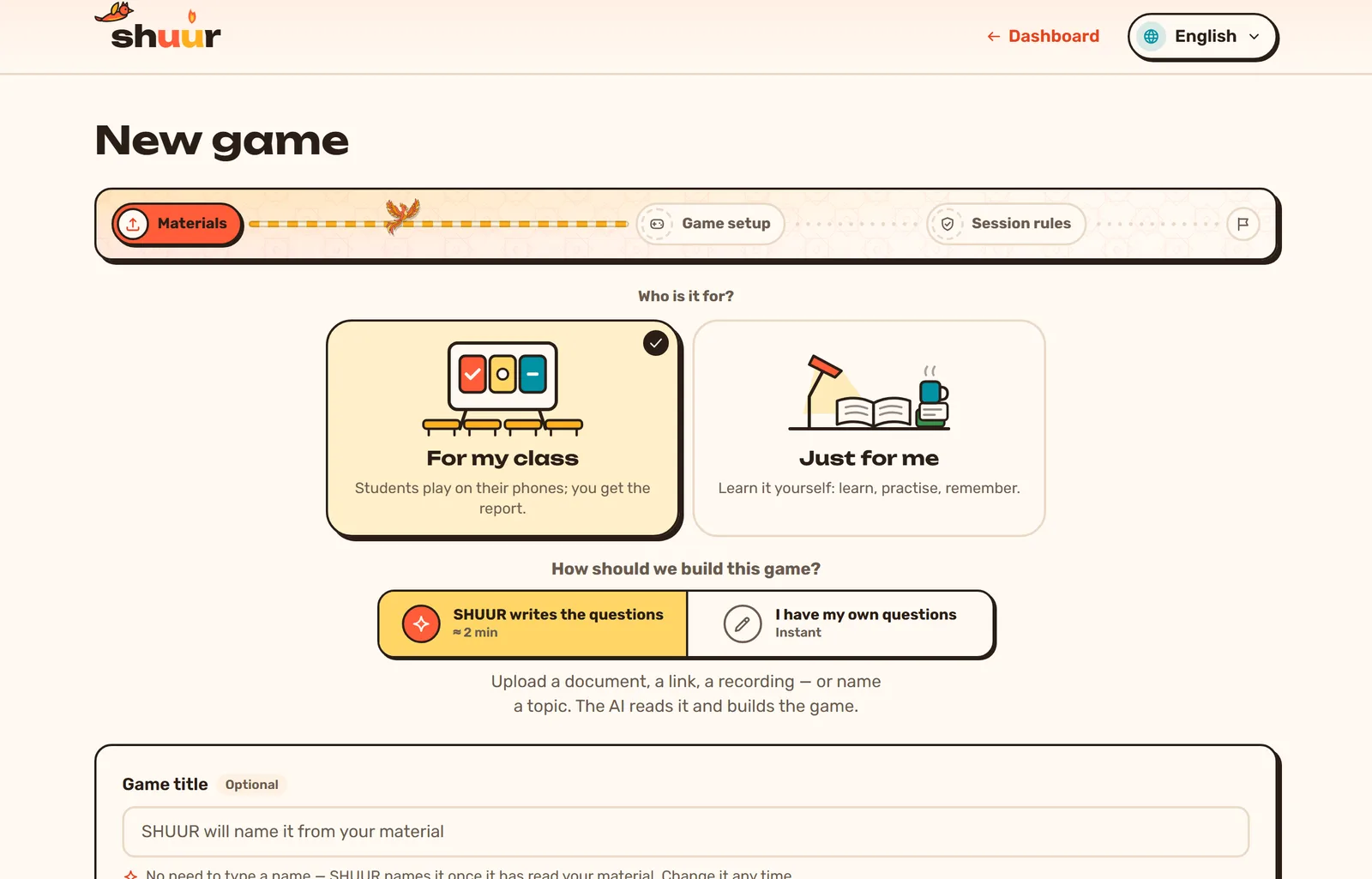
Start a new game
Press “New game” on your dashboard. Choose who it is for — your class or just you — and let SHUUR write the questions, or bring your own.
No title needed: SHUUR names the game from your material, and you can rename it any time.
1 / 7
Ready to build your first one?
Sign in and create a game — your first takes about two minutes.
Get startedMade in SHUUR, by teachers
See games other teachers built from their own material — and play one without an account.
Still stuck?
The common questions, and a real address to write to, are on the support page.